


Mobile-First Betting: How UK Cricket Punters Use Their Phones
I placed my first mobile cricket bet in 2018, on a train between London and Birmingham, using an app that crashed twice before the bet went through. The T20 Blast match I was targeting had already moved into its second innings by the time I got the confirmation. That experience — clunky, frustrating, and ultimately pointless — feels like ancient history now, but it taught me something I still apply: the app is the interface between your analysis and your money, and if it doesn’t work properly, everything else is irrelevant.
The numbers tell a stark story about how UK bettors interact with their sportsbooks. 95% of online gambling in the UK happens from home, and the overwhelming majority of that activity is on mobile devices. The online segment accounts for about 75% of the entire sports betting market. Desktop is dying. The app experience isn’t a secondary consideration — it’s the primary product, and for cricket bettors specifically, where more bets are placed during a match than before it, the app’s performance during live action is the difference between a usable tool and a missed opportunity.
This guide doesn’t rank apps or recommend specific operators. What it does is give you a checklist of features and performance criteria that matter for cricket betting, so you can evaluate any app against a practical standard rather than a marketing claim. I’ve used more than a dozen cricket betting apps over the last eight years. Some are excellent. Some are terrible. The gap between them is wider than most people realise.
Essential Features in a Cricket Betting App
When I evaluate a cricket betting app, I run it through a series of practical tests before ever depositing money. Not every feature matters equally, and the ones that do depend heavily on how you bet. If you’re a pre-match bettor who places one or two singles per week, a basic app with decent odds will serve you fine. If you’re an in-play bettor placing multiple live bets during a T20, the app’s speed, market depth, and reliability under pressure become critical.
The features that consistently separate good cricket betting apps from mediocre ones fall into a few categories: in-play functionality, market depth across cricket formats, live data integration, bet builder tools, payment flexibility, and responsible gambling settings. I’ll work through each, but the two subsections below cover the areas where apps diverge most sharply.
Market depth deserves a mention before we go further. A cricket betting app that offers match winner on international fixtures and nothing else isn’t serious about cricket. The benchmark for a good cricket app is coverage across multiple formats — Test, ODI, T20I, IPL, The Hundred, T20 Blast, Big Bash, and ideally some County Championship coverage. Within each match, the range should extend beyond match winner to include top batsman, top bowler, total runs, innings totals, and player performance markets. If an app only lists three or four markets for a high-profile T20, it’s treating cricket as an afterthought, and you should too.
In-Play Functionality and Live Streaming
During last summer’s Hundred final, I had three different betting apps open simultaneously. One displayed live odds that updated every ball. Another lagged by roughly four seconds. The third froze entirely during a crucial over and came back with prices that had already moved past the point of value. That evening confirmed what I’d suspected: in-play cricket betting is only as good as the app delivering it.
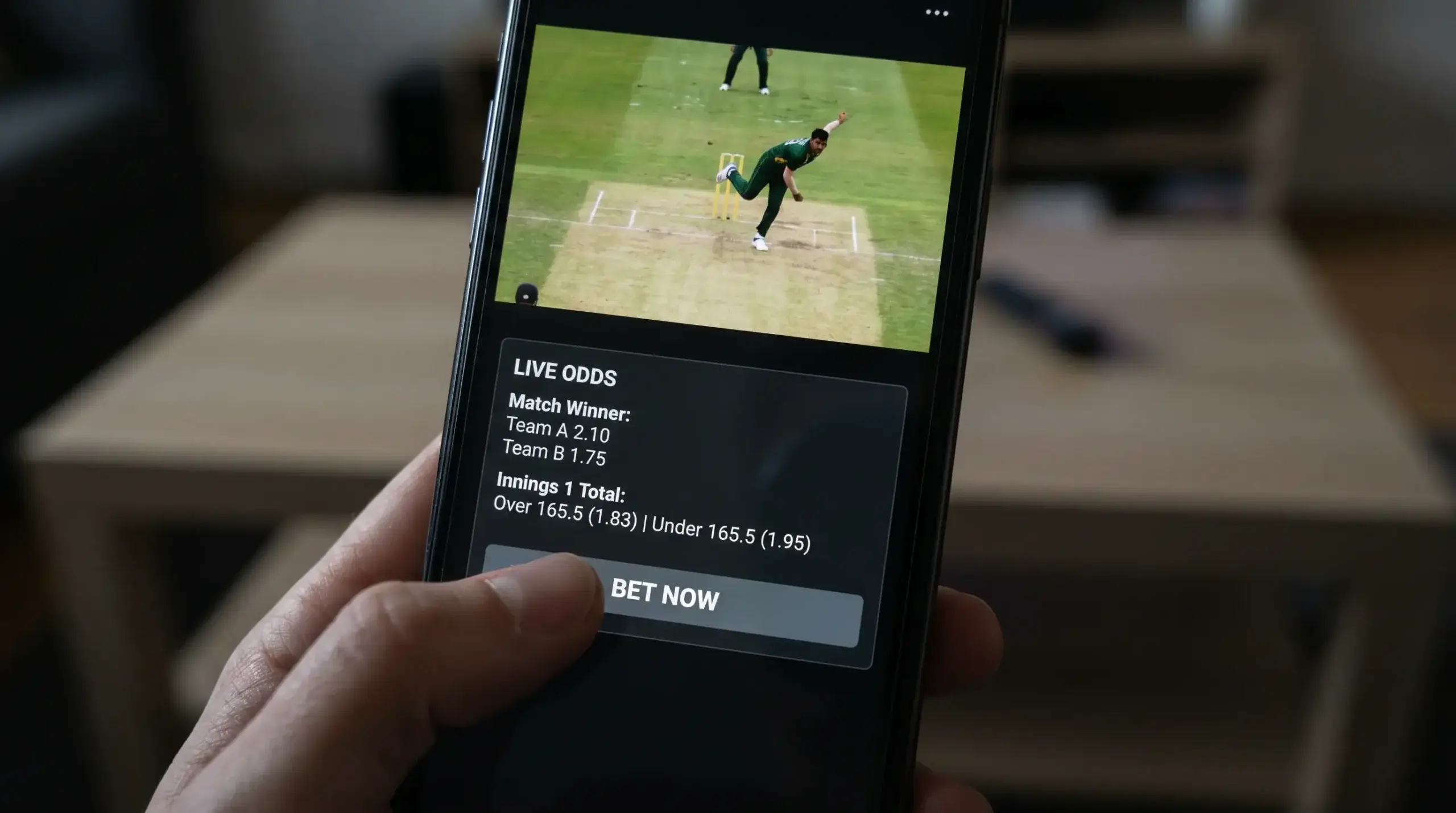
The features to test for in-play cricket: How quickly do odds refresh after each delivery? Is the market suspended for seconds or minutes after a wicket? Can you place a bet between balls in a T20, or does the interface take so long to process that the next delivery arrives first? Does the app offer “accept better odds only” as a default setting? Is the cash-out button responsive during volatile price movements, or does it time out when you need it most?
Live streaming integration matters too. Some apps embed the stream directly alongside the betting interface, so you’re watching the match and placing bets in the same view. Others require you to toggle between a separate streaming tab and the betting screen, which creates friction in time-sensitive moments. For cricket, where a single ball can change the match state, having the stream and the bet slip on one screen is a genuine advantage.
Match centre data — ball-by-ball commentary, wagon wheels, pitch maps, run-rate graphs — varies enormously between apps. The best ones provide enough information to make informed in-play decisions without leaving the app. The worst offer a static scorecard that updates every few minutes. If you’re betting in-play without a TV broadcast, the match centre quality of your app is doing the heavy lifting.
Bet Builder and Custom Markets
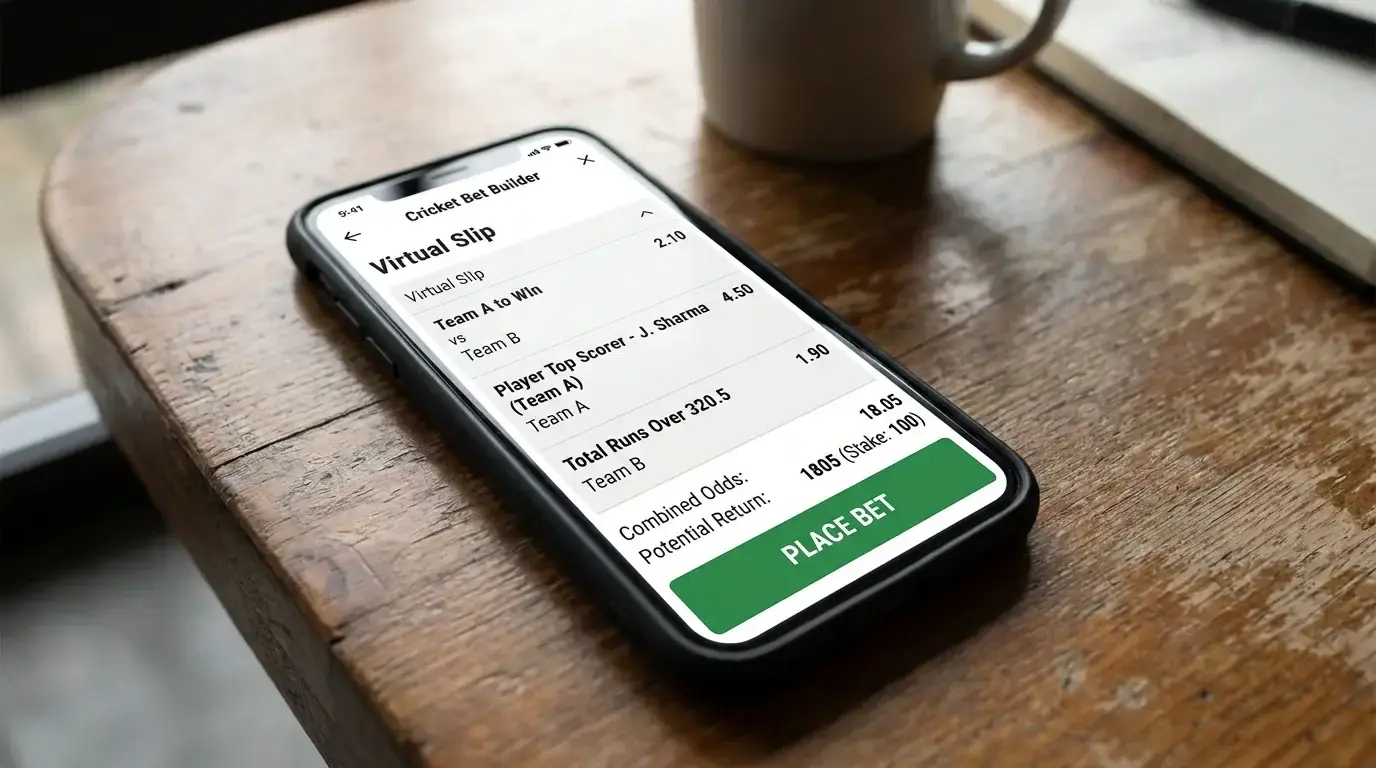
Bet builders have become one of the most popular features in cricket betting apps, and for good reason — they let you combine multiple selections from the same match into a single bet. Back a team to win, a specific player to be top scorer, and total runs to go over a certain line, all in one slip. The appeal is obvious. The execution varies.
A solid cricket bet builder should show you which selections can be combined and which conflict (correlated legs that the operator won’t allow together). It should calculate the combined odds transparently, display the potential return clearly, and process the bet without forcing you to rebuild the slip from scratch if one selection becomes unavailable. Some apps handle this seamlessly. Others present a frustrating experience where adding a third leg resets the first two, or where the “add to bet builder” button doesn’t appear on certain markets that should logically be combinable.
Cricket-specific bet builder coverage is the key differentiator. An app that offers bet builders for Premier League football but only match winner for cricket isn’t serving cricket bettors well. The better apps extend bet builders to player performance markets, innings totals, and even some in-play propositions during cricket matches.
Checking UKGC Licensing on Mobile
Every app you download for cricket betting in the UK should hold a UKGC licence. This isn’t advice — it’s the legal baseline. Unlicensed apps exist, particularly those originating from offshore operators targeting UK customers through social media advertising or app sideloading rather than official app stores.
Checking is straightforward. Apple’s App Store and Google Play both require operators to hold a valid gambling licence for the territory they’re serving before listing a betting app. If an app asks you to download it from a website rather than an official store, treat that as a warning. It might be legitimate — some licensed operators distribute Android apps directly because of Google’s historical restrictions on gambling content — but verify the licence on the UKGC’s public register before installing.
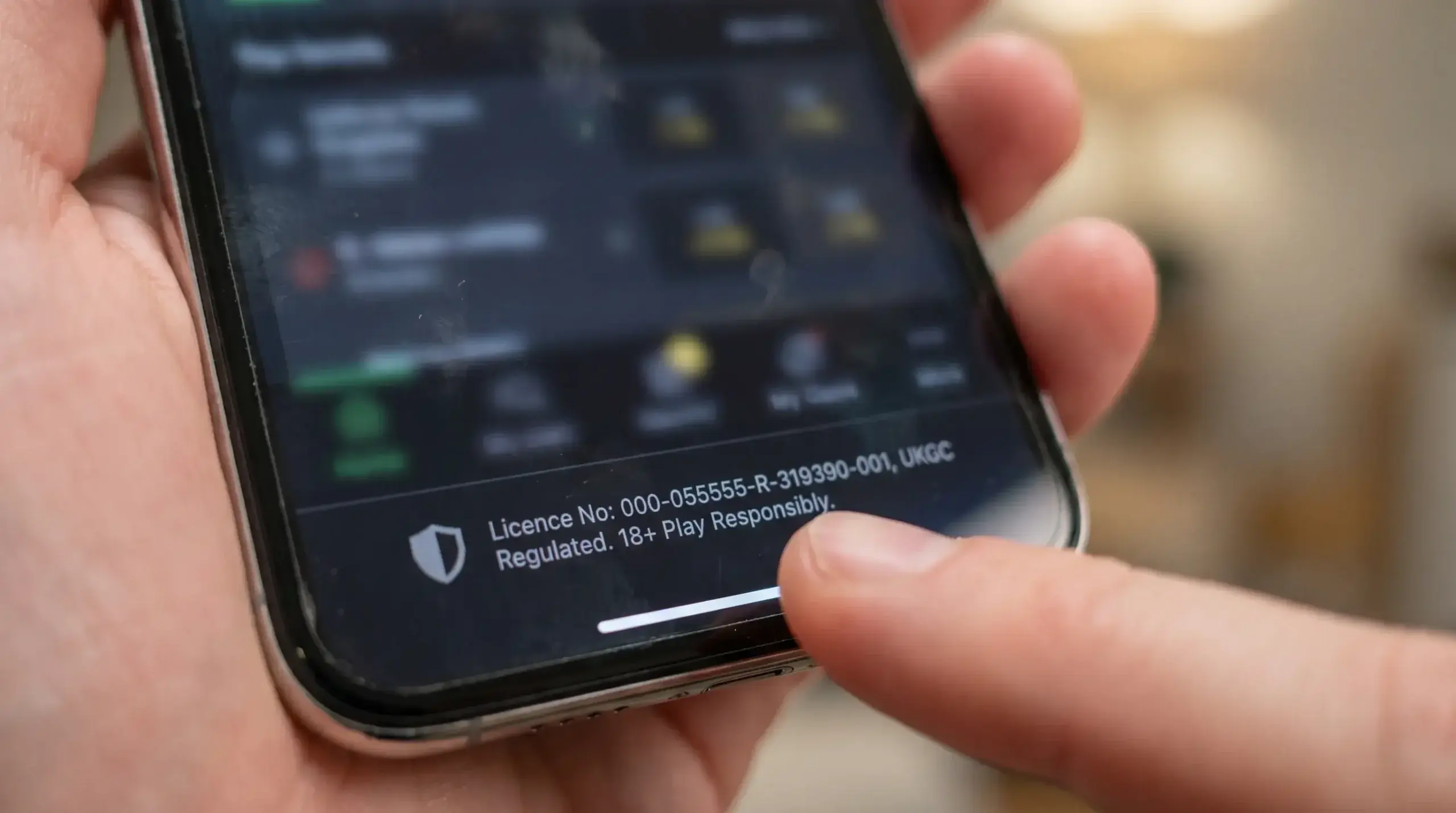
Within the app itself, the licence number should be displayed in the footer or the “About” section. Tap through to the UKGC register and confirm it matches. This takes thirty seconds and eliminates the risk of depositing money with an unregulated operator that has no obligation to honour payouts, protect your data, or offer any recourse if something goes wrong.
The UKGC licence also ensures the app complies with Licence Conditions and Codes of Practice, which cover everything from how your funds are segregated (ring-fenced from the operator’s business accounts) to how disputes are handled (through an independent alternative dispute resolution provider). These protections don’t exist outside the regulated framework. For cricket bettors, where the niche nature of the sport sometimes attracts smaller, less established operators, the licence check is especially important as a first filter.
Speed, Stability and Notifications
An app that takes four seconds to load the cricket section is an app that costs you money during in-play betting. Performance isn’t a technical curiosity — it’s a direct factor in whether you get the price you want or miss it entirely.
I test three things when evaluating app performance. First, cold start time — how quickly the app opens from a closed state and displays live cricket markets. Anything over three seconds feels slow. Second, navigation speed between markets. Can I move from match winner to top batsman to innings total without lag or screen reloads? Third, bet placement speed. From tapping a price to receiving bet confirmation, how many seconds pass? During a T20 where the market reopens for only a few seconds between deliveries, that speed is the difference between a placed bet and a missed one.
Stability under load is harder to test before a real match, but you can get a sense from user reviews. Apps that crash during high-traffic events — IPL finals, Ashes Tests, Hundred matches — reveal their weaknesses precisely when reliability matters most. If an app has a pattern of crash reports during peak cricket, that’s a dealbreaker.
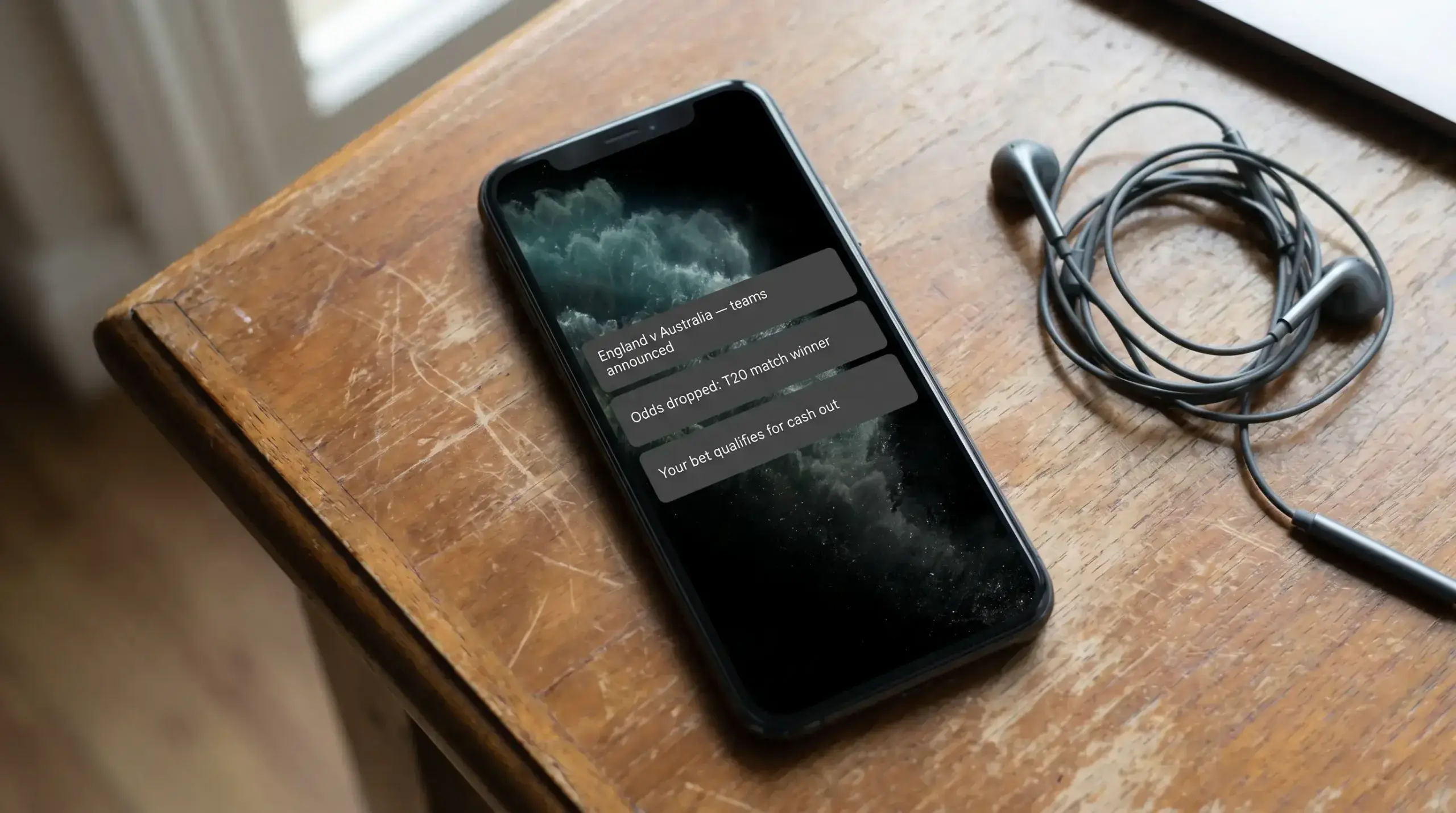
Push notifications are a feature I initially ignored and now consider essential. A well-configured notification system alerts you to match start times, team selection announcements, odds movements on markets you’ve saved, and cash-out opportunities on open bets. The best apps let you customise these granularly — notify me about cricket team news but not about football promotions. The worst bombard you with irrelevant promotional messages that train you to ignore all notifications, including the useful ones. Before dismissing notifications entirely, spend five minutes in the app’s settings filtering out promotional content and keeping only the cricket-specific alerts. The result is a notification feed that actually adds value to your betting process rather than cluttering your lock screen.
Deposit and Withdrawal Options on Mobile
Mobile payment methods have converged to a standard set across most UK betting apps: debit cards, PayPal, Apple Pay, Google Pay, and bank transfer. The differences are in the details — processing times, minimum amounts, and whether your preferred deposit method is also available for withdrawals.
Apple Pay and Google Pay have become my default deposit methods on mobile. They’re instant, they use the biometric authentication already on your phone (Face ID or fingerprint), and they don’t require entering card numbers into the app. For in-play betting where you might need to top up your balance quickly, the speed advantage is meaningful.
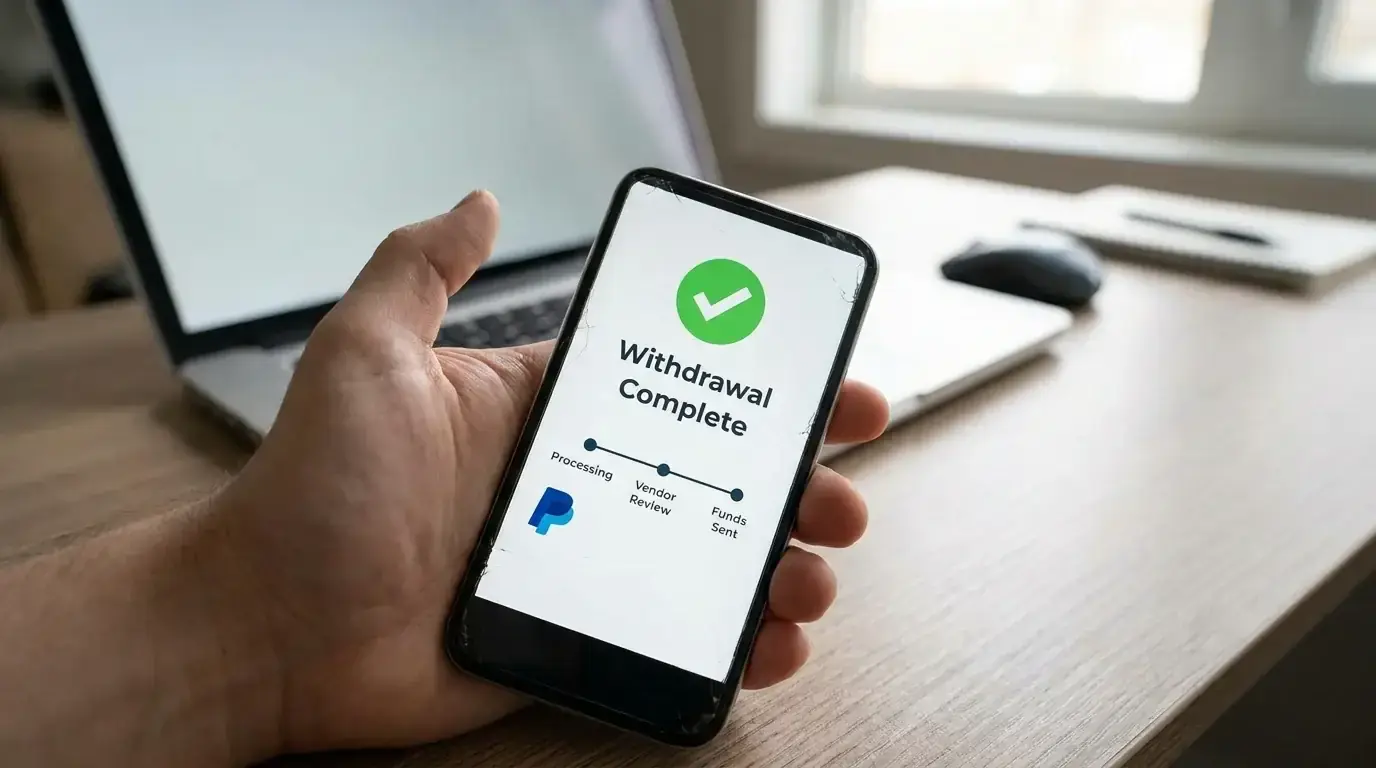
PayPal occupies a useful middle ground. It provides a buffer between your bank account and your betting activity, making it easier to track gambling expenditure separately from everyday spending. Deposits are instant, and PayPal withdrawals are typically the fastest option available — often processing within a few hours rather than the one-to-three business days debit cards require.
Withdrawal options on mobile should mirror what’s available on desktop. Some apps restrict withdrawal methods on mobile or route all withdrawals through the desktop site, which is needlessly inconvenient. Before committing to an app, deposit a small amount, place a bet, and test the withdrawal process end to end. It’s the only way to know how the full payment cycle works in practice rather than in theory.
One feature worth checking: whether the app supports instant withdrawal to your e-wallet. Some operators now process PayPal withdrawals within minutes rather than hours, and for a cricket bettor who wants to separate winnings from their betting bankroll quickly, that speed matters. The longer money sits in your betting account, the more likely it is to get re-staked impulsively — and mobile apps, sitting right there in your pocket, make impulsive bets dangerously easy.
Responsible Gambling Tools in Apps
With 47% of UK adults participating in some form of gambling, the responsible gambling infrastructure built into betting apps isn’t a niche feature — it’s a core part of the product that every user should engage with from day one.
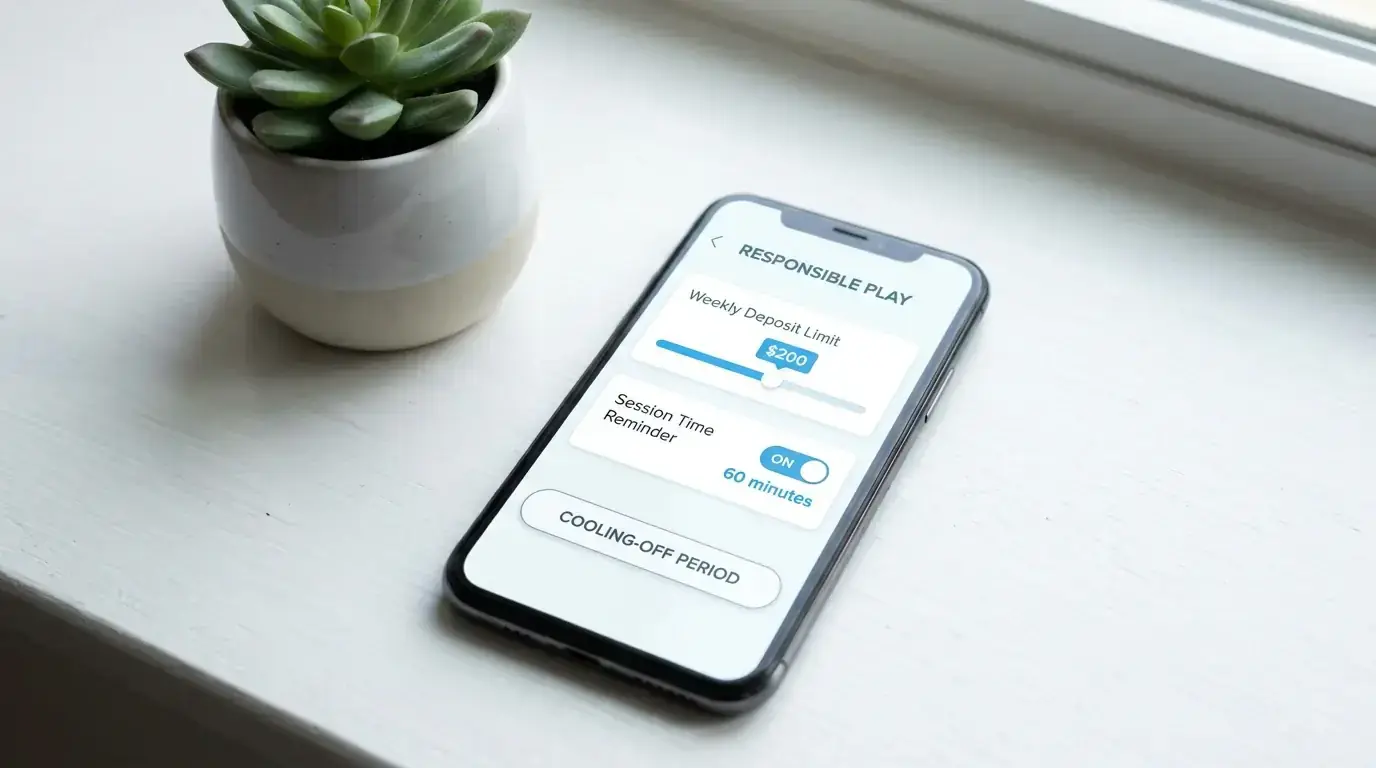
Every UKGC-licensed app is required to offer deposit limits, loss limits, session time reminders, cooling-off periods, and self-exclusion options. The quality of implementation varies. The best apps make these tools prominent and easy to configure — a dedicated “My Limits” section accessible from the main menu, with clear explanations of what each tool does. The worst bury them three menus deep and present them in language designed to discourage use.
The ECB’s official position on the intersection of gambling and cricket captures the broader principle well: their Code of Conduct reflects a commitment to balancing commercial partnerships with gambling companies while protecting the integrity of cricket and safeguarding the sporting community from gambling-related risks. That same principle should guide how you use a betting app. The commercial features are there to serve you. The responsible gambling features are there to protect you. Both matter.
I configure three settings on every app I use. A weekly deposit limit, set at an amount I’ve pre-determined as affordable to lose entirely. A session time reminder at the 60-minute mark, which prompts a pause and a reality check. And a 24-hour cooling-off option that I can activate if I notice myself chasing losses or betting impulsively. These settings take two minutes to configure during registration and have saved me from bad decisions on more occasions than I can count.
GAMSTOP, the national self-exclusion scheme, is integrated into all UKGC-licensed apps. If you register with GAMSTOP, you’re excluded from all licensed online gambling operators in the UK for a period of your choosing — six months, one year, or five years. It’s a serious step, but it’s there for people who need it, and knowing it exists is part of being an informed user of any betting app.
iOS vs Android: Platform Differences for Cricket Betting
I’ve used both platforms extensively, and the honest answer is that in 2026, the gap between iOS and Android cricket betting apps is smaller than it’s ever been. Both platforms receive feature parity from the major operators, and both handle in-play betting, streaming, and payment processing without significant differences. The days when Android apps lagged behind their iOS counterparts by months in updates or features are largely over.
Where iOS maintains a slight edge is in app review quality. Apple’s stricter App Store guidelines mean that apps undergo more rigorous testing before release, which historically has resulted in fewer crashes and fewer security vulnerabilities. Android’s more open ecosystem allows operators to distribute apps outside the Play Store, which introduces both flexibility and risk — sideloaded apps bypass Google’s security checks and may not be held to the same standards.
Android users benefit from greater customisation. Widgets that display live cricket scores or saved bet statuses on the home screen, split-screen mode for watching a stream on one half while placing bets on the other, and more granular notification controls are all areas where Android typically offers more flexibility. For in-play cricket betting, the split-screen capability is genuinely useful — watching a T20 stream while monitoring the bet slip on the same device removes the need for a second screen entirely.
Biometric authentication — Face ID on iPhone, fingerprint and face unlock on Android — works well on both platforms for quick app access and payment confirmation. If you’re betting in-play and need to authenticate a deposit or confirm a bet, the speed of biometric login matters. Both platforms handle this in under a second, which is adequate for the between-delivery window in a T20.
My practical advice: use whichever platform you already own and are comfortable with. The marginal differences between iOS and Android for cricket betting are far less important than the quality of the individual app you choose. A well-built Android app outperforms a poorly built iOS app every time, and vice versa.
The App You Use Shapes the Bets You Place
It sounds like a minor point, but I’ve come to believe that the app experience influences betting behaviour more than most people admit. A fast, well-designed app with clear cricket coverage, responsive in-play markets, and prominent responsible gambling tools encourages deliberate, informed betting. A slow, cluttered app with buried cricket markets and aggressive promotional pop-ups encourages impulsive, poorly considered bets. Choose your app the same way you’d choose any professional tool — based on whether it helps you do the job well, not on which brand has the flashiest advertising.
